thecreatingco / Apps & tools
Public web alphaReframe
Wide to vertical
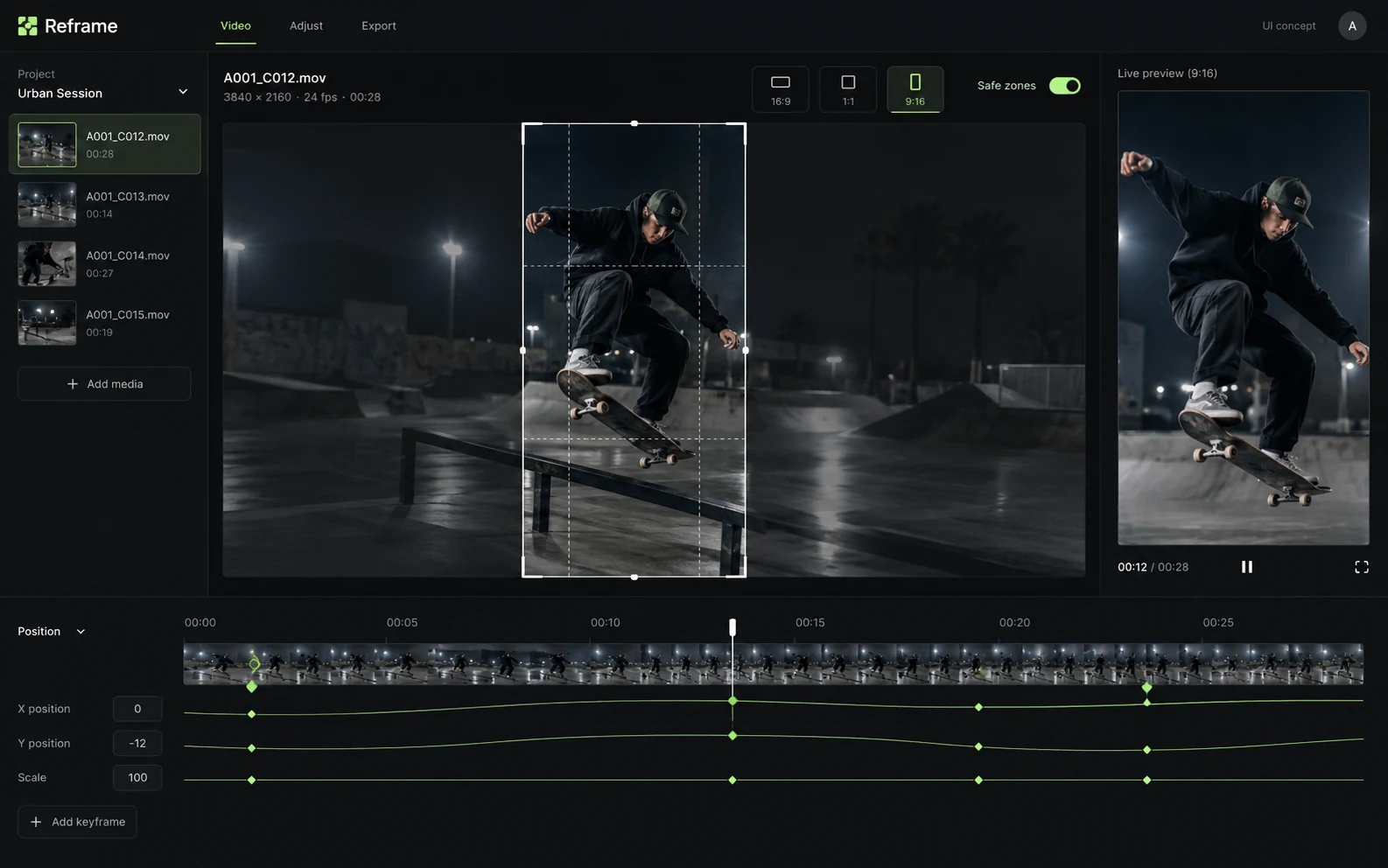
Reframe is the ScenePilot tool for adapting a wide video to a vertical frame. A tighter frame changes what the viewer can see, so review the composition throughout the clip.
APPLICATION & DOWNLOADS
How to use Reframe.
Web tool · Public alpha
Open this app in your browser. No installer is needed.
Open in browser ↗Download availability
No public desktop or mobile installer is available for Reframe.
All apps & download statusSupport & feedbackA place to begin
Make your first move.
- Open the wide source clip and identify the subject or action that must remain visible.
- Explore the vertical framing controls and preview the whole shot, especially subject movement near the edges.
- Check that titles and important details remain visible. Review the app’s available export settings and inspect the saved clip before posting.
Public alpha. Automatic framing is a starting point for review. Input support is declared as video; not every codec or browser has been qualified.
A crop that works on one frame can lose the subject later. Check the whole clip; automatic framing is not a guarantee.
Declared input types: video/*
Declared inputs describe expected formats, not certified decoder coverage. Save a separate copy of important work.
Check availability & downloads ↗Work through a useful example
How to calculate a vertical crop from a wide video
Turning a wide clip into a vertical frame discards much of the source. Work out the available width, then inspect subject movement across the whole clip.