Share a work in progress
Describe what you made, the tool you used and one decision you want feedback on. Check the audience before posting.
Open The Circle →The Circle / Connected experience
Public web alphaProfiles, projects, collections and discussions
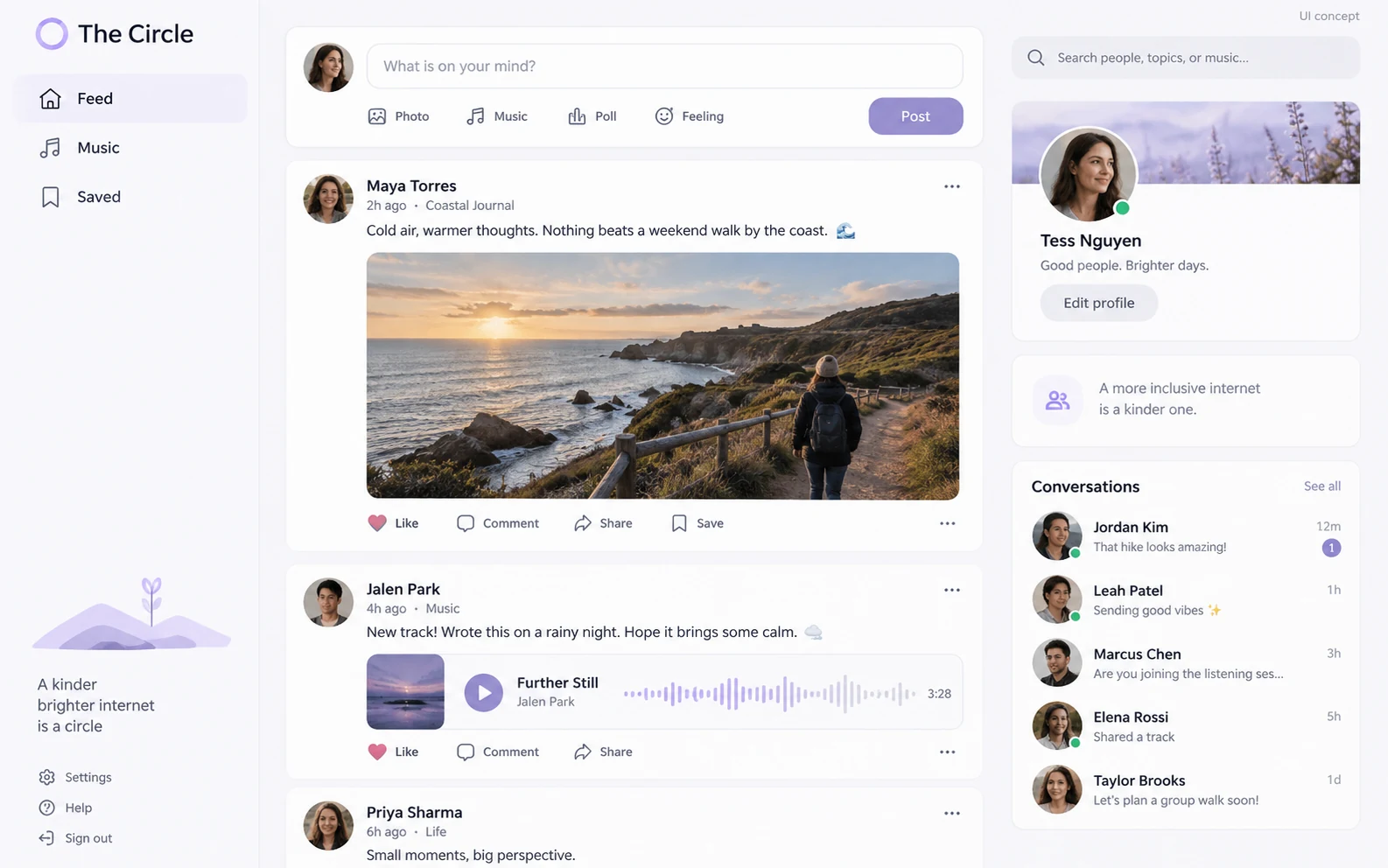
Meet creative people through profiles, projects, collections and discussions. The Circle connects the suite’s shared community workflows.
APPLICATION & DOWNLOADS
Web app · Public alpha
Open this app in your browser. No installer is needed.
Open in browser ↗No public desktop or mobile installer is available for The Circle.
All apps & download statusSupport & feedbackA place to begin
Community features are in public alpha. Review privacy and sharing settings; a profile or collection is not a backup for original project files.
Declared input types: Start in the workspace; this catalog does not declare file import types.
Declared inputs describe expected formats, not certified decoder coverage. Save a separate copy of important work.
Check availability & downloads ↗How to write a project post that gets useful feedback
People can give better feedback when they know what you made, your role and the decision you are trying to make. Keep the brief specific enough to answer in one sitting.
Share a work in progress, the tool you used, and one question you would like feedback on. You do not need a polished portfolio.
These are participation ideas, not scheduled events or claims of community activity. Check the audience and sharing controls before posting.
Open the communityChoose how you want to participate. The Circle’s public profiles and project discussions, Sessions’ listening rooms and Pocket Studio’s recordings serve different purposes.
Describe what you made, the tool you used and one decision you want feedback on. Check the audience before posting.
Open The Circle →Use Sessions for shared listening rooms. Read the room’s participation and visibility details; an unlisted room is not private.
About listening rooms →Pocket Studio records melodies, sounds and voice memos. Recording uploads require sign-in; keep a separate copy.
About recording and sharing →NOW Messenger offers messaging and chatroom workflows. Review its account and privacy notes before sharing personal material.
About messaging →Start with the workflow you need: a shared listening session, a recorded idea, or a community project post. Only share material you have permission to use. These experiences are not a promise of music distribution to streaming services, royalties or unlimited audio hosting.